
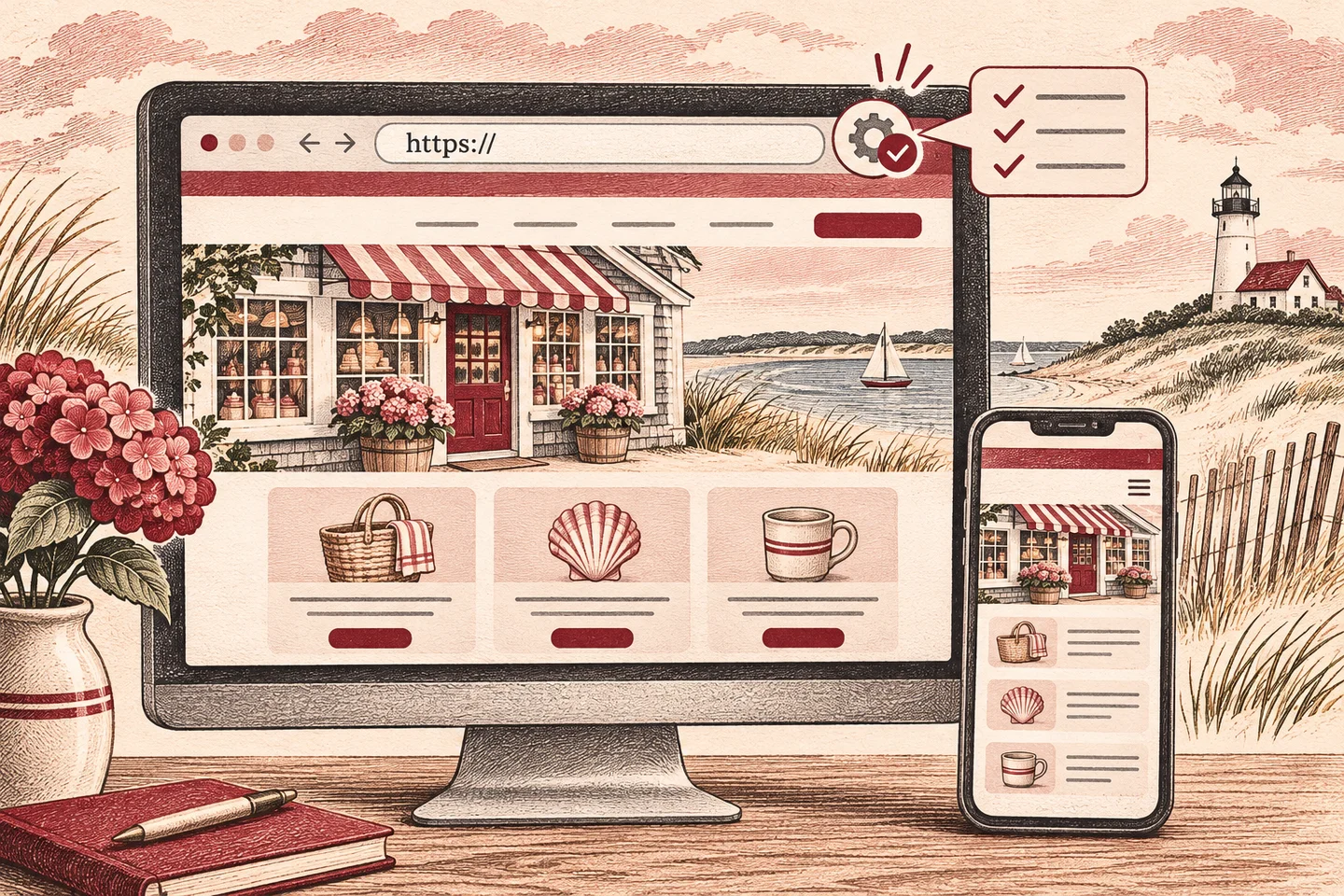
HTTPS encrypts the connection between a visitor’s browser and your website. It matters on every page, especially where customers share information or sign in. If you’ve renewed a certificate or moved to a new host, test the pages and features people actually use.
What does an SSL certificate do?
What most hosting companies call an SSL certificate is used with TLS, the protocol behind HTTPS. The certificate helps the browser verify that it’s connecting to the requested domain. HTTPS protects information as it travels between the browser and the website. Software updates, secure logins, and backups cover other parts of website care.
If your website has no SSL certificate or the certificate has expired, the HTTPS version may fail to display. Visitors may see a security warning or an error page instead of your site. A version that still loads over HTTP may be marked “Not secure.”
4 HTTPS checks after an SSL renewal or hosting move
- Check the certificate on the live site. Visit the homepage using the address customers know. Check both the
wwwand non-wwwversions if both are in use. Verify the certificate’s expiration date and confirm the browser opens the site without a certificate warning. A redirect from an alternate HTTPS address still needs a valid certificate for that address. - Test an old HTTP link to an inside page. Try an older link to a service or contact page. It should land on the HTTPS version of that same page. A redirect to the homepage makes visitors find the page again. If you’re switching a site from HTTP to HTTPS for the first time, update internal links and the sitemap to use the preferred addresses. See Google’s site move guidance.
- Look for missing images or features. Open a few key pages on desktop and mobile. An HTTPS page can still request an image, script, or embed over HTTP. This is called mixed content. A browser may upgrade or block those requests. If a photo, menu, map, or booking widget disappears, share the exact page address with whoever maintains your site.
- Test a real customer action. Submit a test inquiry and confirm it arrives in the correct inbox. If your business takes bookings or payments, verify that the booking or checkout flow loads and reaches the expected confirmation screen using an appropriate test mode. Check any confirmation email or text alert your site sends.
Who is responsible for the next renewal?
Ask your hosting provider or website support contact whether renewal is automatic, who receives failure alerts, and who is responsible for following up. If a certificate warning appears just after a hosting change, note the exact address and when the problem started. That helps your support contact check whether traffic is reaching the intended server and whether it’s serving the right certificate.
With Acorn’s Website Care Plan, we monitor your SSL certificate’s expiration date and let you know if you need to renew it. With Acorn’s hosting plan, all SSL certificates we provide renew automatically.
If you’re planning a move, see how to move a WordPress website without rebuilding it for the rest of the checks. If you need someone to handle renewals and routine upkeep, explore Acorn’s hosting and website care.
What HTTPS means for search and visitor trust
A working HTTPS setup helps visitors reach the pages and forms they expect without a browser warning. If you’re moving old HTTP URLs, permanent redirects to the matching HTTPS pages help search engines identify the preferred versions. Search visibility also depends on useful content, clear navigation, and whether people can find the page they need.